 GLeDitor3 user manual
what is GLeDitor3?
GLeDitor3 is a simple and (relatively) small programmer's editor for macOs
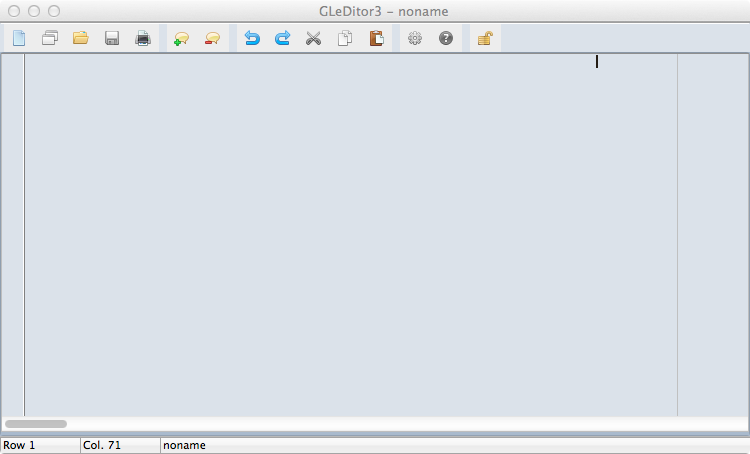
It will work on any reasonably recent Mac, starting from macOsX Lion 10.7 until the latest version of macOs (ver 13.3 at the time of writing).
Features
Syntax highlight and code folding
The editor allows to collapse the text of given structures or code blocks, depending on the current selected syntax:
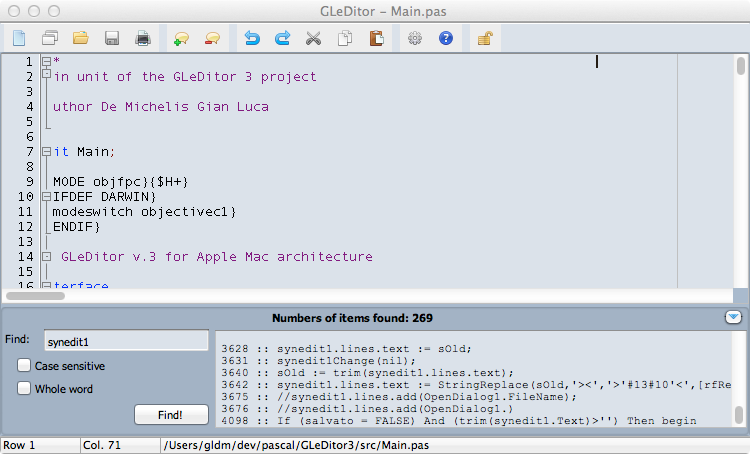
In the lateral gutter, the collapsable block are identified by those symbols:
- [-] : the beginning of an unfolded block, clicking on it will fold the block
- [+] : the beginning of a folded block, clicking on it will unfold the block
- | : (a vertical line) denotes the lines of an unfolded block
What are the code blocks that can be folded?
Depending on syntax, some examples are:
- Pascal : begin..end, if...then...else..., try...except...finally..., procedure, functions
- Java : code between { and }
- Html : text between an open tag (as <div>) and a closing tag (as </div>)
- Python : code with the same indendation can be collapsed
Advanced Search
Pressing Command+E a search panel will open in the lower part of the application form.
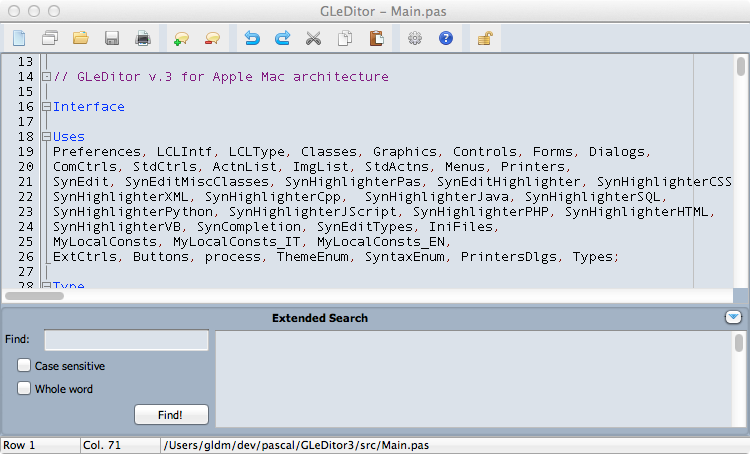
Here you will find a textbox to input the search text, plus two checkboxes to set whether
the search must be performed case-sensitive or not, and if the search text must be whole word.
Performing the search, the results will be presented in the right part of the panel; double-clicking
a line of the result set will make the main editor to move the caret to the corresponding line.
Call compiler
In preferences dialog form you can set a custom call for the following syntaxes:
- Pascal
- Java
- C/C++
- SQL
- Basic
- Python
In addition, you can also set a link to a manual of the language or an help file about that syntax.
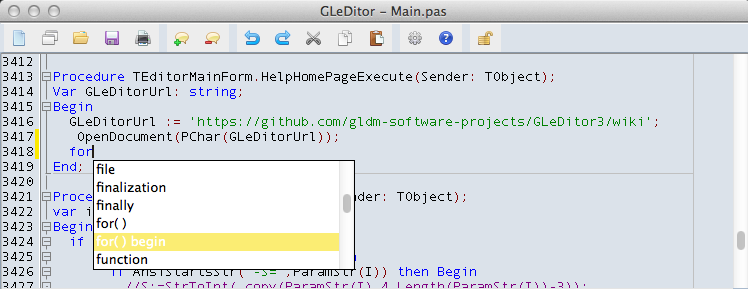
Code completion
Configuration/preferences
Others features
Themes
GLeDitor3 offers 6 color themes plus a custom color choice.
XML Beautifier
from menu Tools (when XML Syntax is selected) you can reach the item "Improve XML Readability", which will format the current XML document.
HTML Beautifier
from menu Tools (when Html Syntax is selected) you can reach the item "Improve html Readability", which will format the current html document.